


Take notes on your iPad, and remember them forever
RemNote's handwritten notes combine beautiful drawing tools with powerful spaced repetition. Take notes naturally, then convert them to flashcards and never forget what you learned.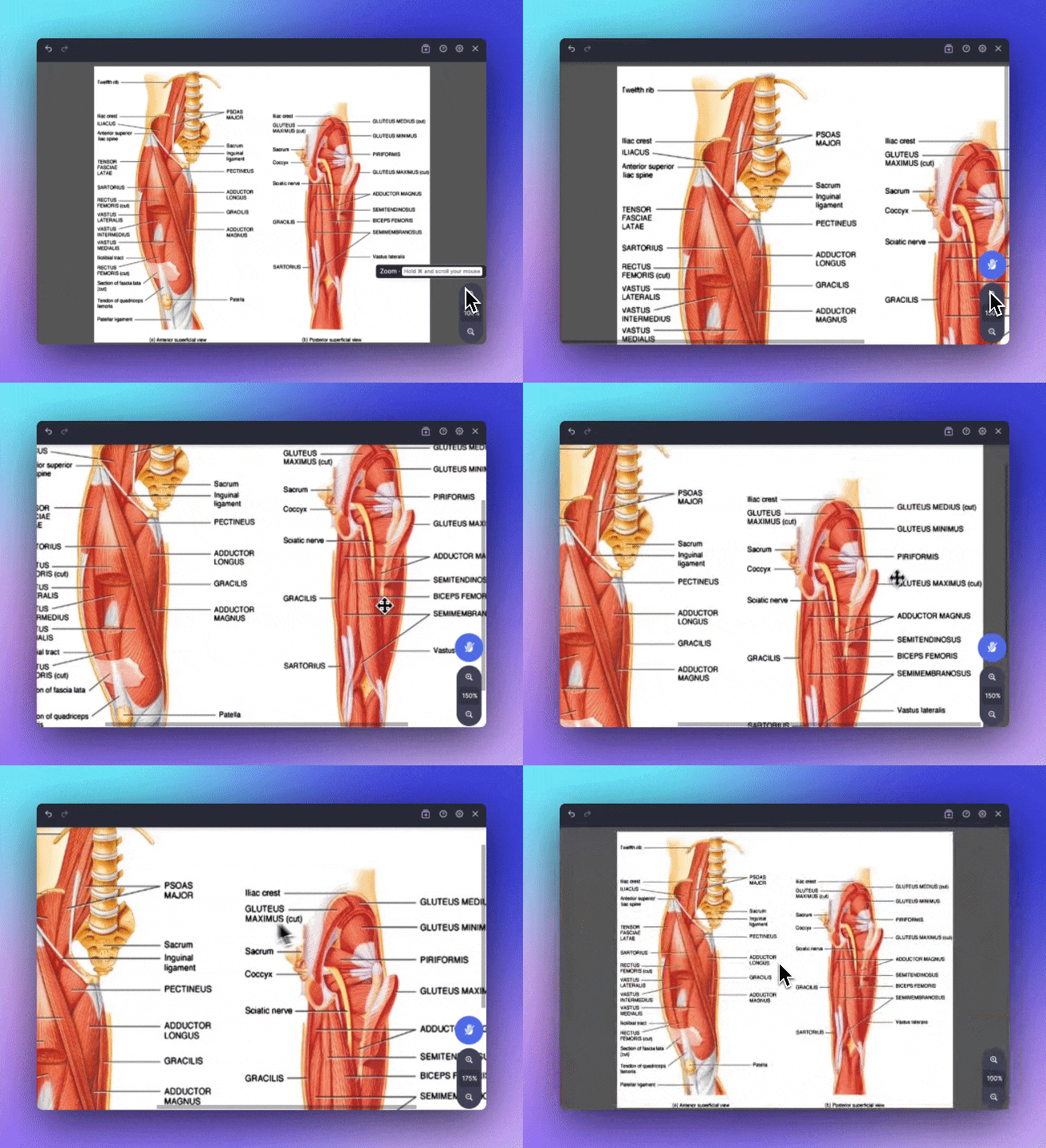
Join 1,000,000+ students getting higher grades!
Take Beautiful Notes
Every tool you need: customizable pen, eraser, shapes, images, sticky notes, and more. Make notes that are beautiful to look at and easy to remember.
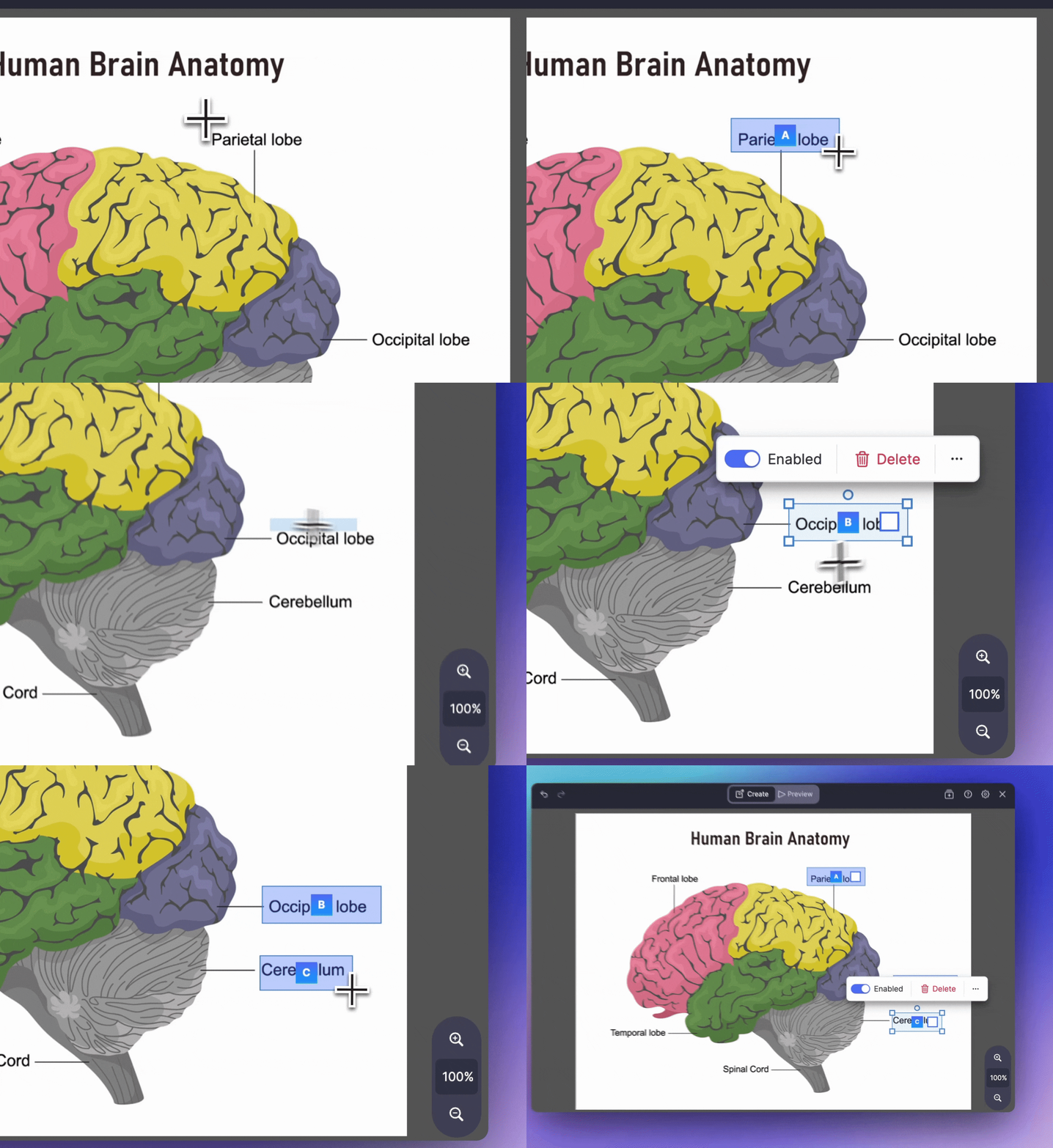
Convert to Text, Flashcards, and Quizzes
Instantly convert entire handwritten notes into text documents, flashcards, and quizzes. AI-powered conversion preserves your structure and formatting.
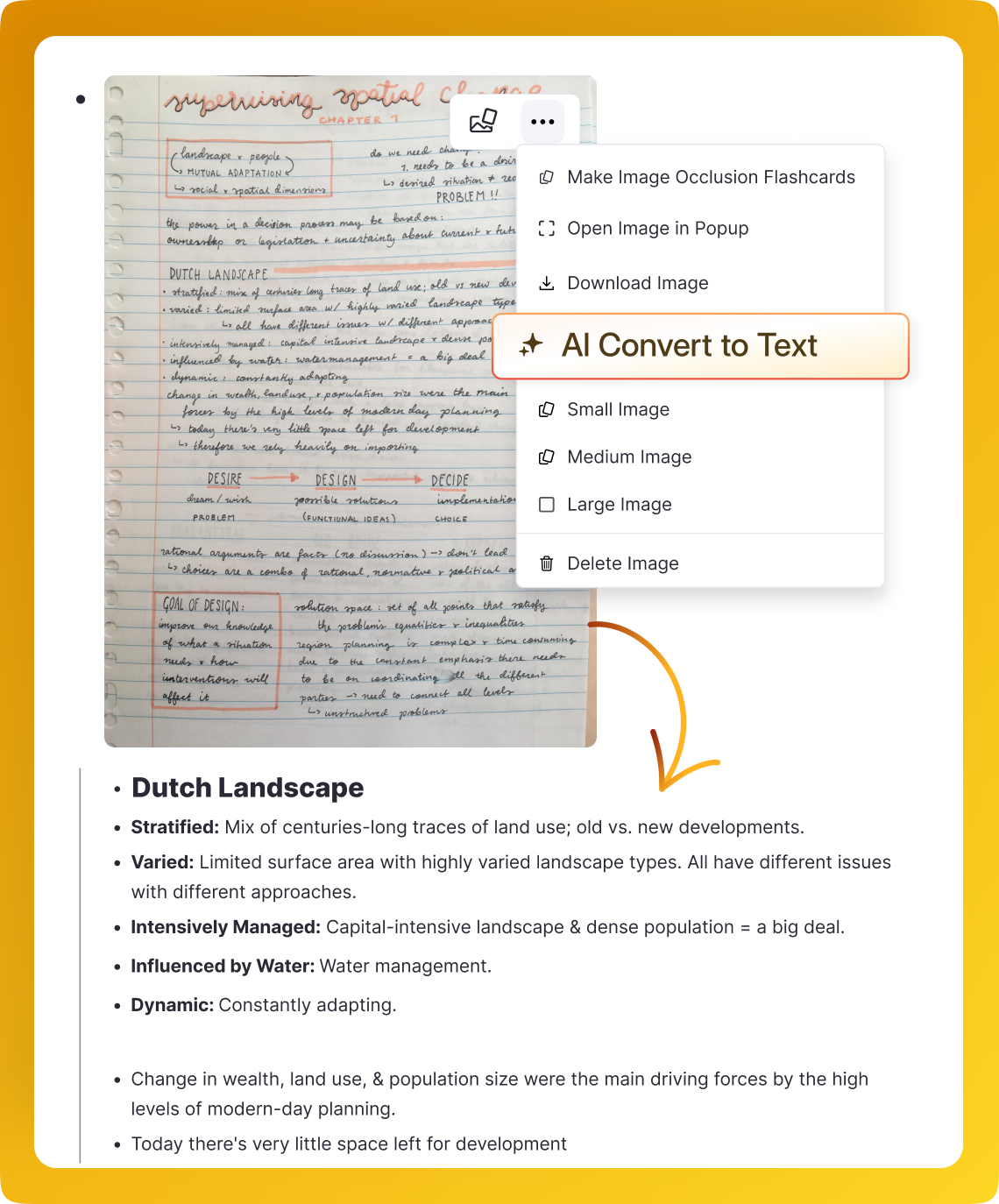
Spaced Repetition Flashcards, Directly In Your Notes
Drag an occlusion box over any part of your notes that you want to test yourself on. You'll instantly get a spaced repetition flashcard to practice with.
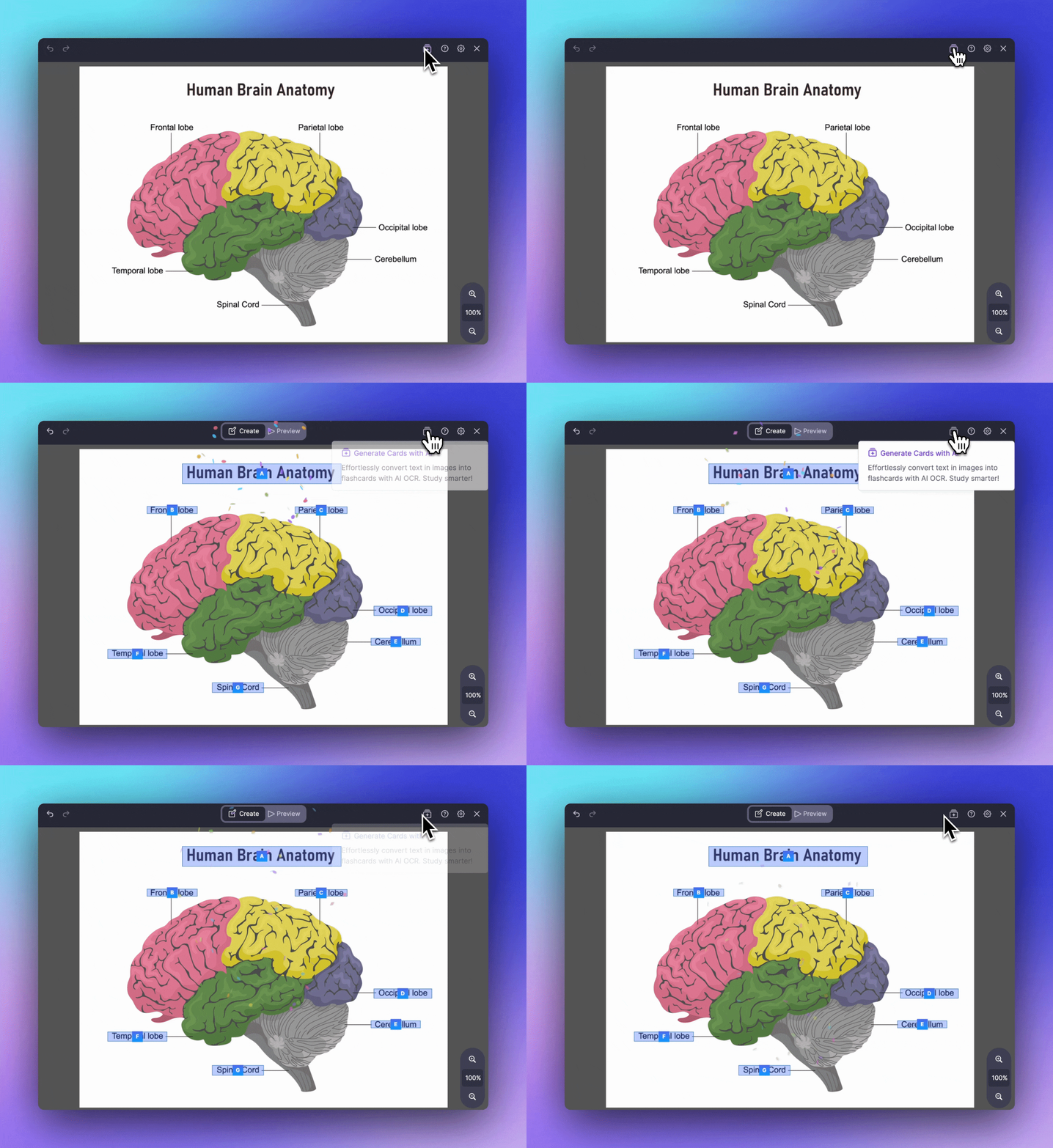
Access Anywhere With Instant Syncing
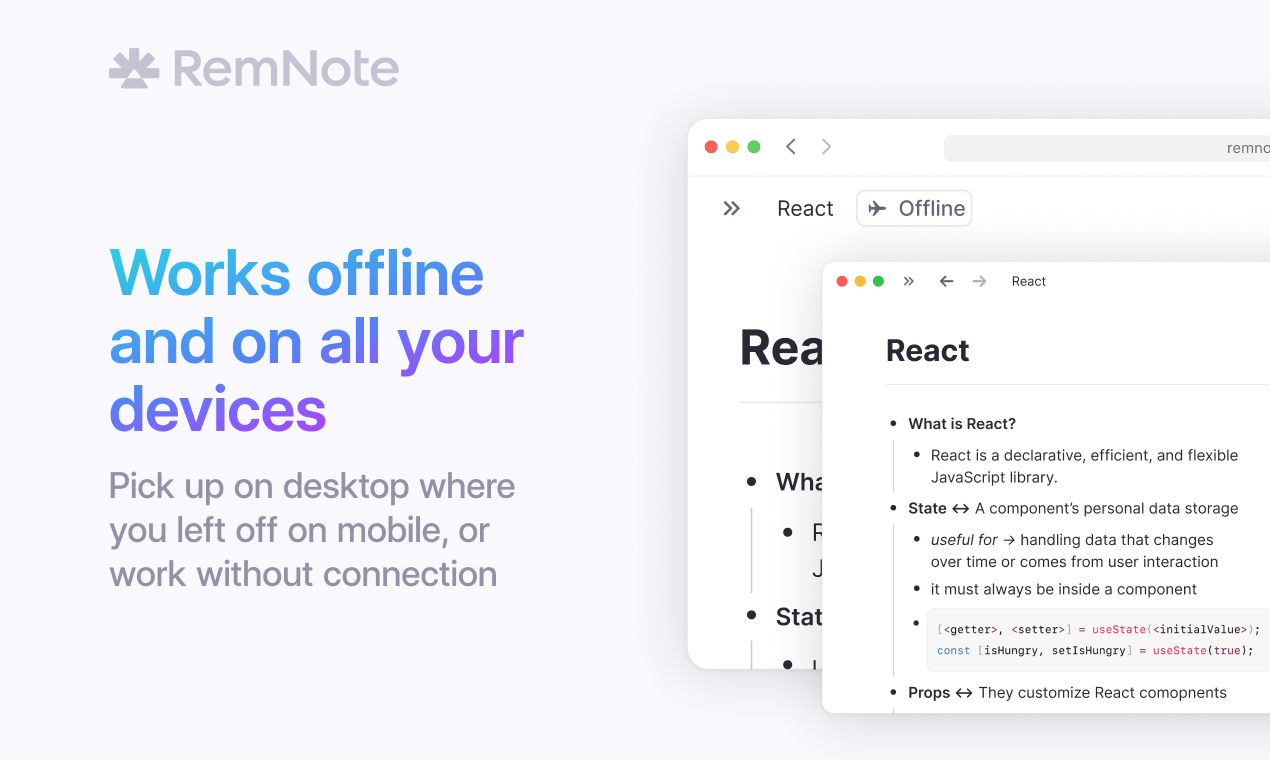
Take notes on iPad, then review them later on your phone or computer. Your handwritten notes sync instantly across all your devices.
Join 1,000,000+ students getting higher grades!
Frequently Asked Questions
Can I convert handwritten notes to typed text?
Yes. RemNote uses AI to convert your handwritten notes into editable, searchable text. You can convert entire pages or specific sections, and the AI preserves your formatting and structure while creating clean typed content that integrates with the rest of your notes.
Once converted, the text works with all of RemNote features including flashcard creation, search, and linking. This means your handwritten lecture notes can become fully functional study materials with flashcards and spaced repetition, all from the same document.
What devices support handwritten notes in RemNote?
Handwritten notes work best on iPad with Apple Pencil, and are also supported on other tablets with stylus input. RemNote provides a complete set of drawing tools including pens with multiple colors and stroke widths, highlighters, erasers, shape tools, and the ability to insert images and sticky notes.
Your handwritten notes sync automatically to all your devices, so you can write on your iPad during a lecture and review the same notes on your phone, laptop, or desktop later.
Can I create flashcards from handwritten notes?
Yes. You can create occlusion flashcards by dragging boxes over any area of your handwritten notes that you want to memorize. During practice, the covered areas are hidden and you reveal them to check your answer. RemNote spaced repetition system schedules these reviews automatically.
This is particularly effective for diagrams, equations, labeled drawings, and any visual content where spatial memory matters. Medical students studying anatomy, engineers reviewing circuit diagrams, and language learners practicing character writing all benefit from this approach.
Do handwritten notes work offline?
Yes. You can create and review handwritten notes without an internet connection. Any changes you make sync automatically when you reconnect, keeping your notes consistent across all your devices.
This offline-first design means you can take handwritten notes during lectures, on flights, or anywhere else without worrying about connectivity. Your data is stored locally on your device and syncs seamlessly when a connection becomes available.
Is my data private and secure?
Yes. Your handwritten notes, converted text, and flashcards are encrypted in transit and at rest. RemNote does not sell your data or use it for advertising purposes. You retain full ownership of your content and can export your notes at any time.
RemNote is designed as a private, personal knowledge tool. Your study materials stay under your control, and AI features operate within your workspace to help you learn rather than to collect or redistribute your content.

