


PDF Annotation: Highlight, Write & Markup
Highlight, draw, and annotate your PDFs, then turn annotations into flashcards. The only PDF annotator that helps you actually remember what you read.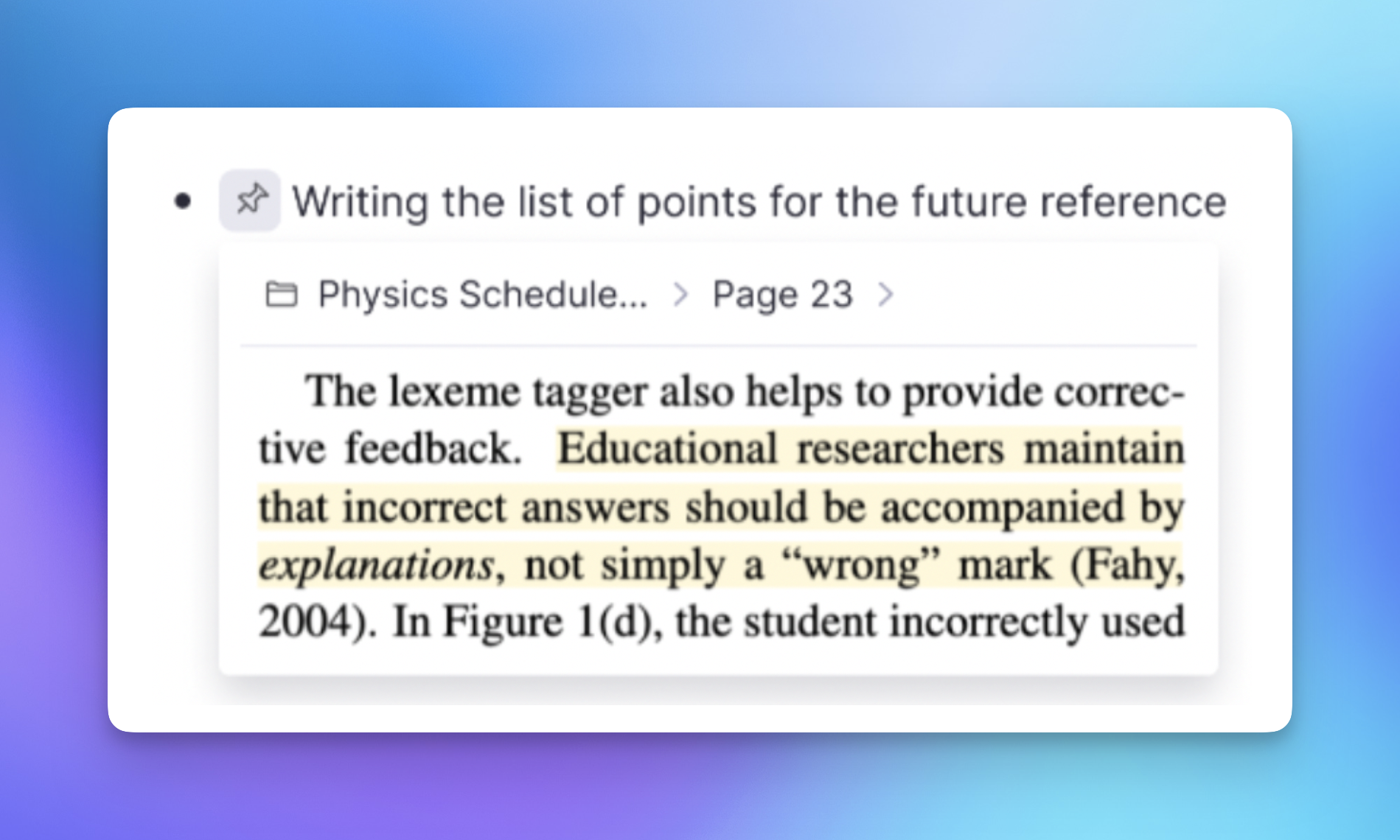
Join 1,000,000+ students getting higher grades!
Master Study Materials.


Highlight What Matters
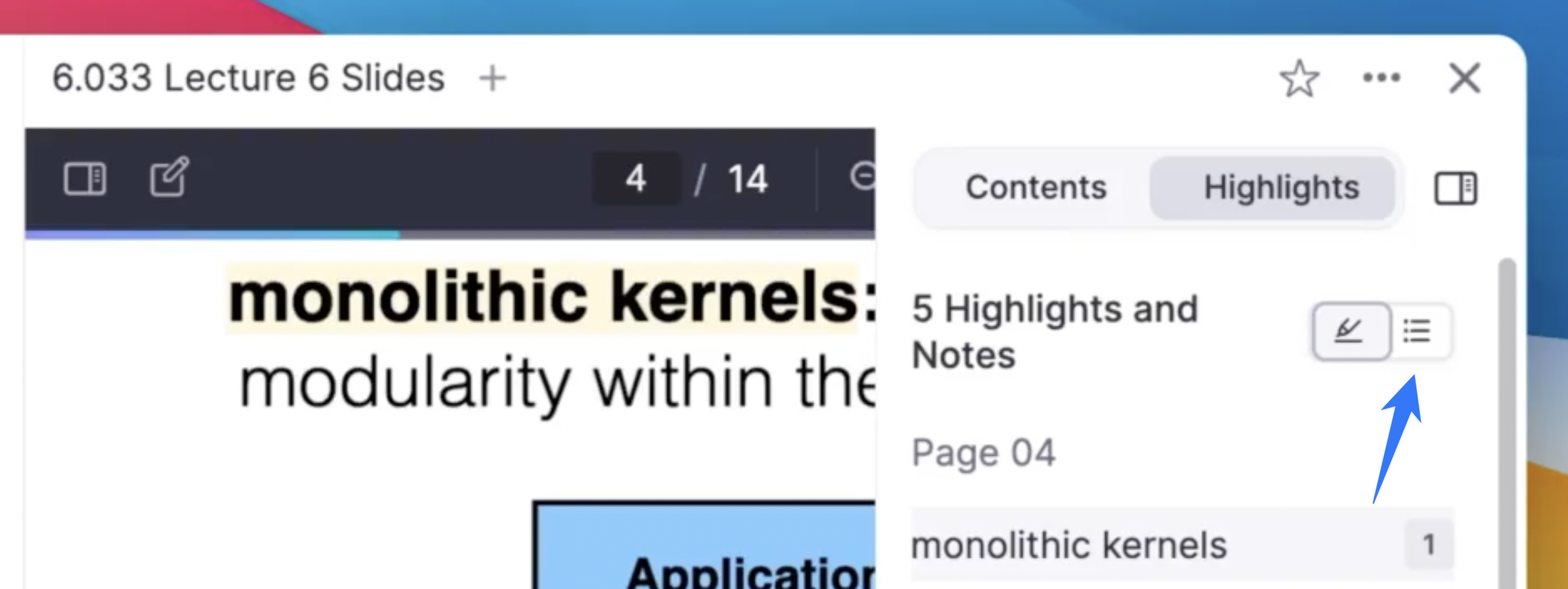
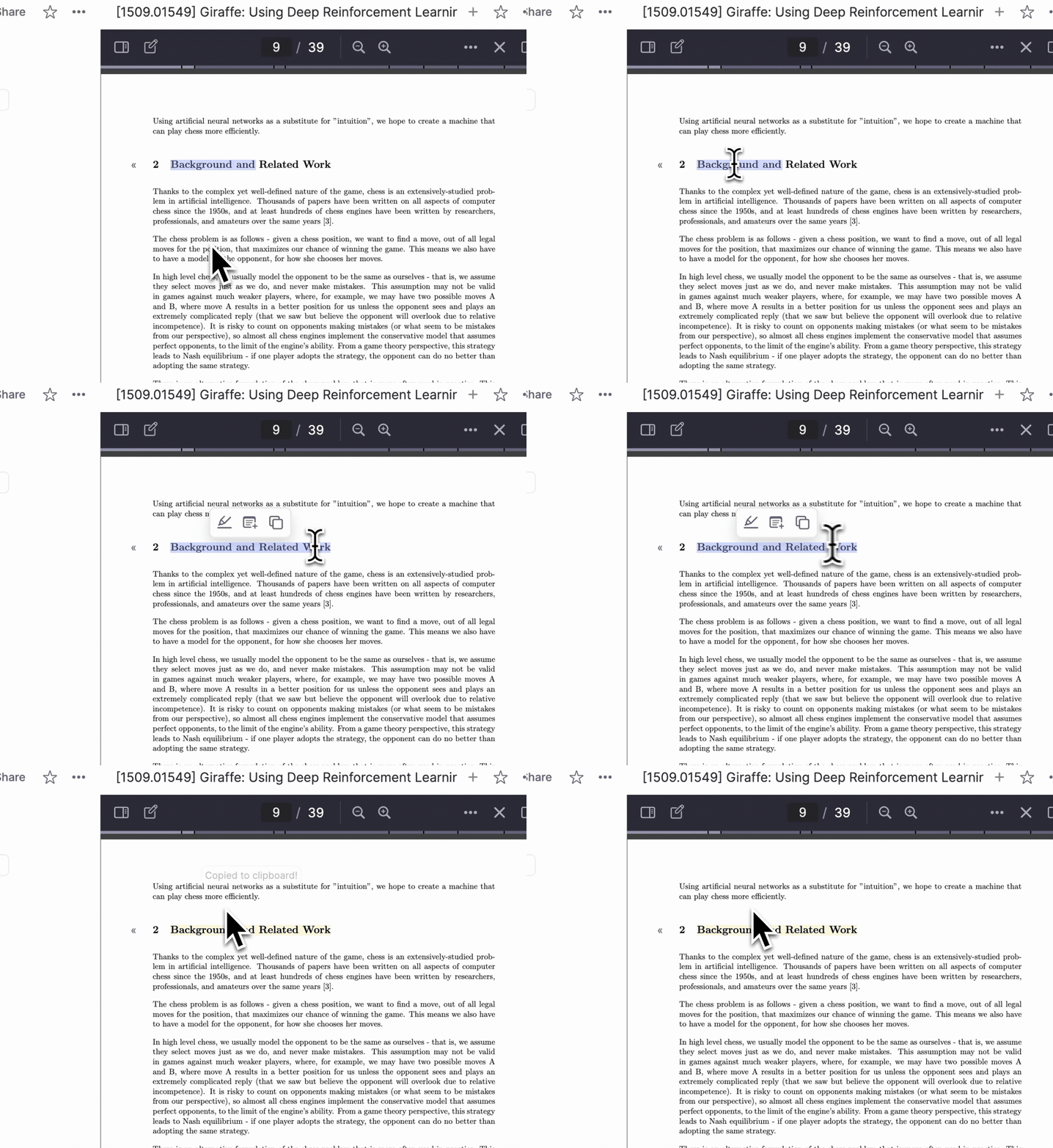
Select text, image areas, or full page regions to highlight in multiple colors. Add annotations directly on your highlights, paste highlights as citations in your notes, and review everything in the sidebar.
Draw Directly on PDFs
Use freehand drawing to mark up PDFs on your computer or tablet. Circle key terms, add margin notes, draw connections between ideas, or fill out worksheets.
Annotations That Help You Learn
RemNote is the only PDF annotator that turns your annotations into active study materials.
1-Click Flashcards
Click any sentence to turn it into a spaced repetition flashcard, or use AI to generate flashcards and quizzes from an entire document.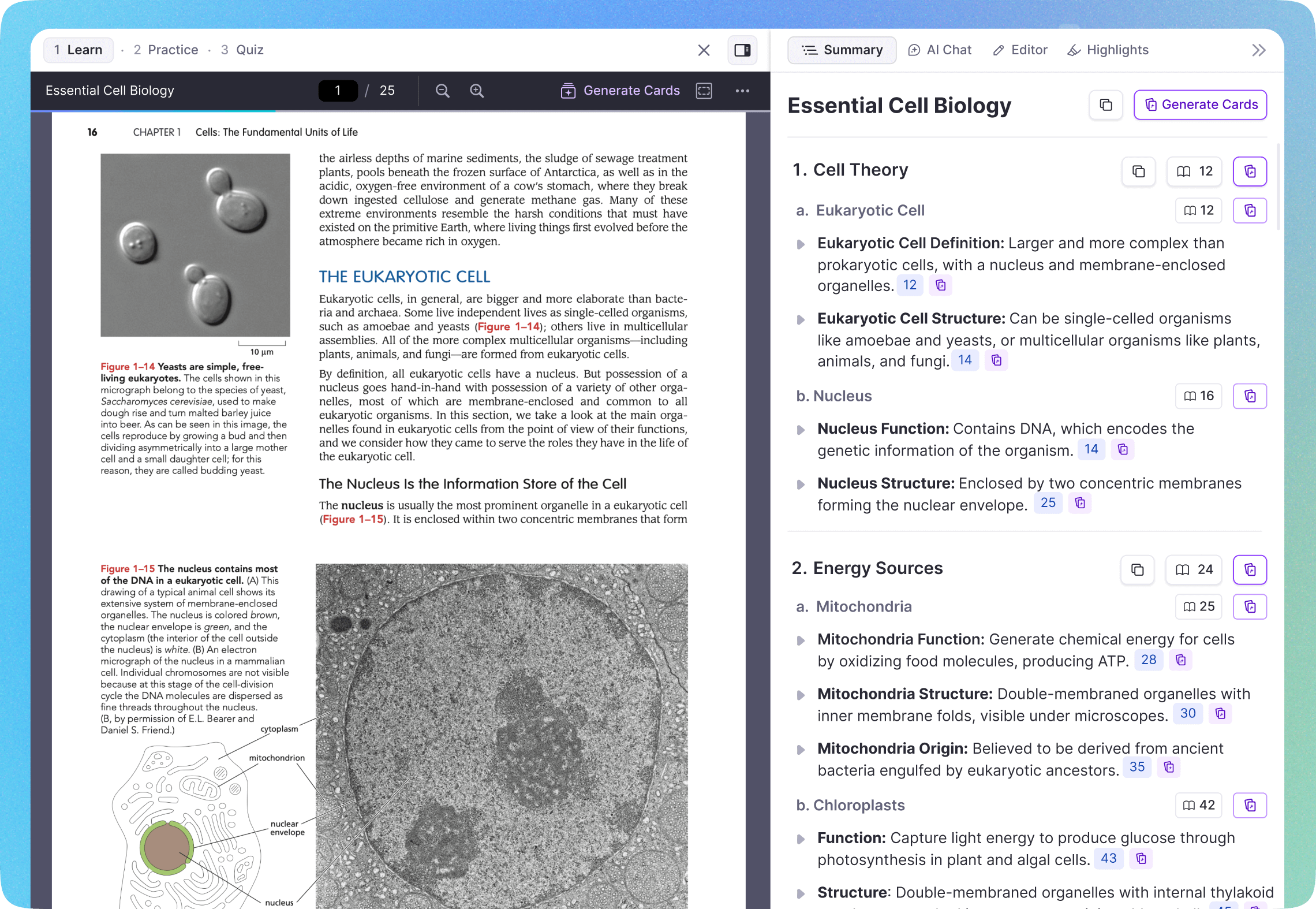
AI Summaries
Get AI-generated summaries of your entire PDF or specific sections. Understand complex material quickly.
AI Chat
Ask the AI any question about your PDF and get answers with inline citations pointing to the exact page.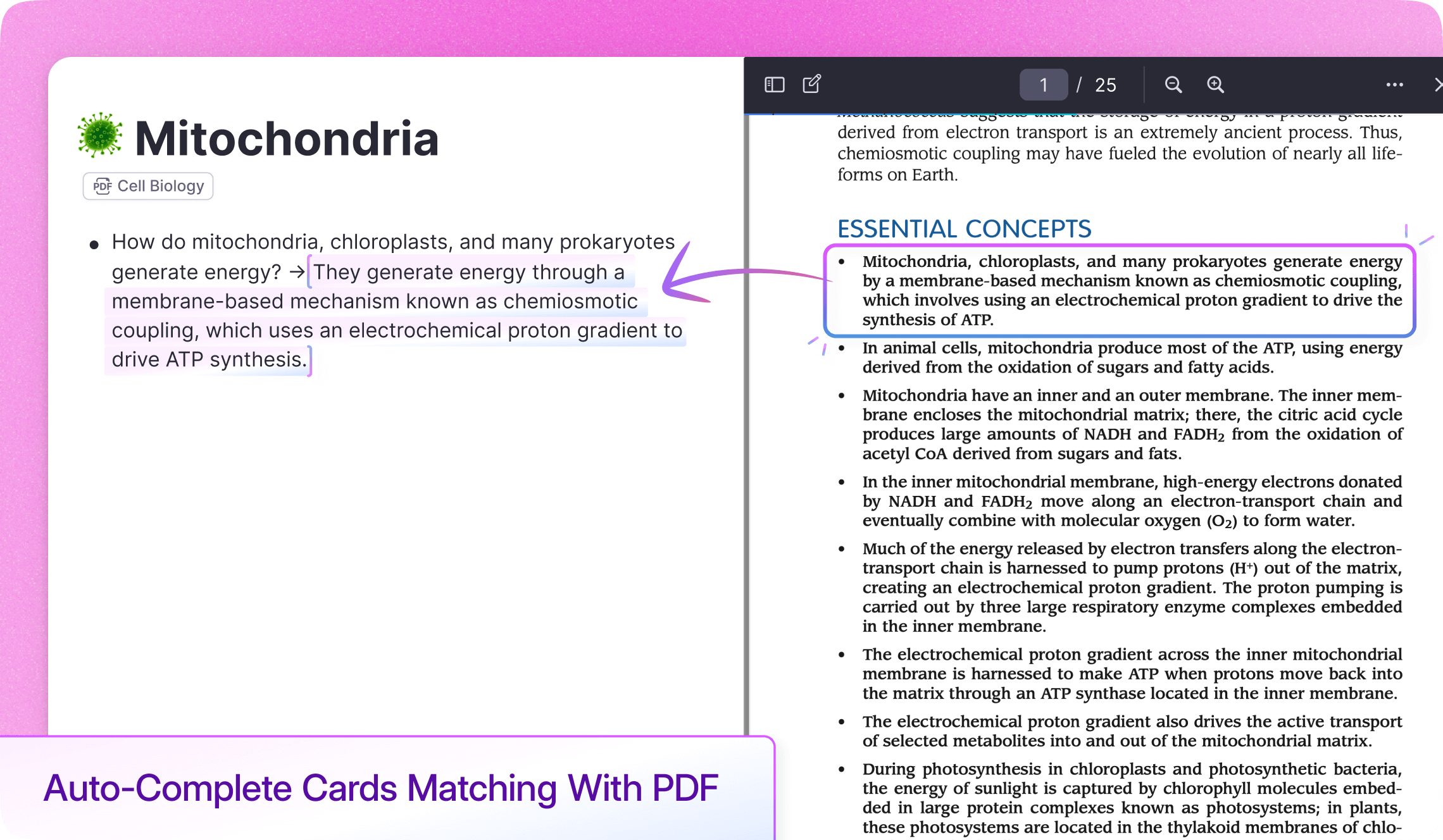
Join 1,000,000+ students getting higher grades!
Frequently Asked Questions
Can I edit, organize, and manage large PDF files efficiently?
Yes. You can highlight, draw, annotate, and navigate long PDFs smoothly. Use search and sidebar navigation to jump between sections, and keep highlights organized in one place.
Because RemNote is built for learning, everything stays structured, searchable, and easy to review later.
Can I use it offline?
Yes. You can annotate, review, and study your PDFs offline.
Once you reconnect, your highlights, notes, and flashcards automatically sync across your devices so you can study anywhere without interruption.
Is the PDF annotator easy to learn and use?
Yes. Most students get comfortable quickly. The interface is clean and focused, with intuitive highlighting, simple flashcard creation, and built in AI tools that support your studying without adding complexity.
No steep learning curve. No switching between multiple apps. Just read, annotate, and remember.

